Free
Dynamic QR codes, scans, reports, design customization and email support.
QR Codes Unlimited for Shopify
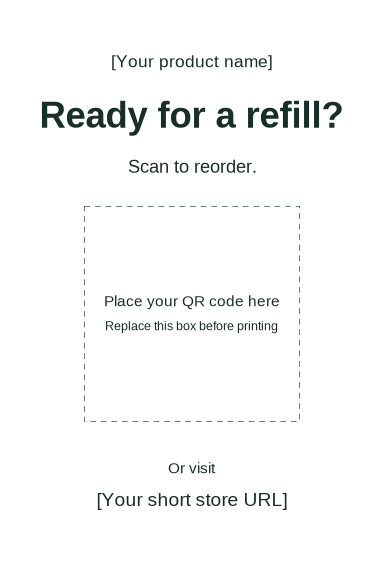
Give customers a way to reorder straight from the box. A scan opens the product or cart you choose, and you can change that destination after the inserts have gone to print.
View the Shopify appGet 50% off your store’s first 30 days on Startup or Growth. From November 27 through November 30, 2026 (UTC), enter BFCM50 on the app’s Subscription page when you choose your plan. Regular monthly pricing resumes after the first billing cycle.
Explore more Black Friday and Cyber Monday deals for Shopify merchants on FixMyStore.
For a bag of coffee, link the insert to that roast and size. Customers can scan the card when they run low and order the same beans again.
Use a separate code for each insert design. On Startup or Growth, open Orders & QR Codes in the app. Choose QR performance to compare scans and attributed orders by code, or Orders from scans to see the individual purchases.
For a product range, use bulk creation to generate the codes together. Keep each code’s name with its artwork when handing the files to your printer.
Shopify app plans are separate from the standalone dashboard’s 14-day trial and subscriptions. See the app’s Subscription page for current prices and limits.
Dynamic QR codes, scans, reports, design customization and email support.
Free features plus bulk creation and downloads, custom domains, UTM tracking, order attribution, saved templates and Connect AI.
Startup features plus higher API capacity and premium support. Compare current limits in the app.
Update a dynamic QR code’s destination without replacing its printed image. A new design or a different encoded domain needs a new download and print. Test the final code before sharing it.